What To Know
- The introduction of Skills builds on Google’s growing integration of its Gemini AI assistant into Chrome, transforming it from a simple browsing tool into a personalized productivity hub.
- Rather than requiring users to switch browsers, it enhances an existing platform, potentially giving it an edge in the increasingly crowded AI browser landscape.
AI News: Google is stepping up its artificial intelligence push by embedding a powerful new feature called “Skills” into its widely used Google Chrome browser. The move is designed to make everyday browsing more efficient, allowing users to save and reuse AI-driven prompts across multiple websites without repeating tasks manually. This development marks another milestone in the evolving competition among AI-enhanced browsers, as tech giants and startups race to redefine how users interact with the web.
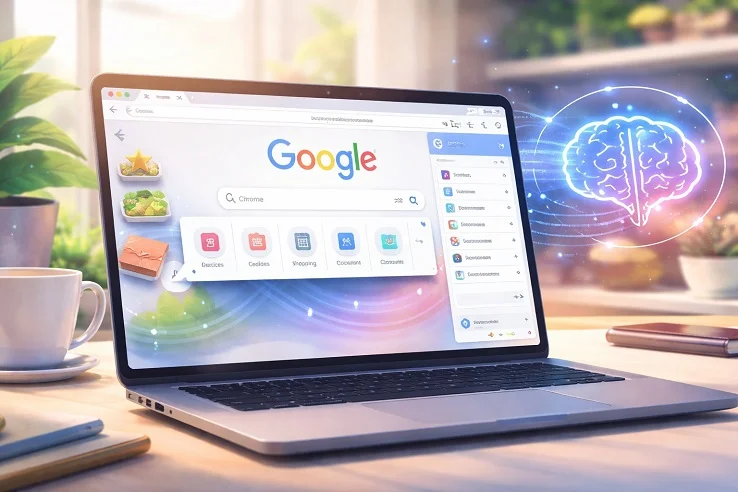
Image Credit: Thailand AI News
The introduction of Skills builds on Google’s growing integration of its Gemini AI assistant into Chrome, transforming it from a simple browsing tool into a personalized productivity hub. This AI News report highlights how the feature empowers users to automate repetitive queries – whether summarizing articles, extracting insights, or performing routine checks – directly within their browsing sessions. By enabling saved prompts to be reused instantly, Google aims to reduce friction and streamline digital workflows in a way that feels intuitive rather than technical.
How Skills Change Everyday Browsing
At its core, Skills allows users to capture frequently used AI prompts and deploy them with a single click or shortcut. Instead of retyping instructions, users can simply trigger a saved Skill while browsing any webpage. For example, someone exploring recipes can store a prompt asking for vegan substitutions and apply it instantly across multiple cooking sites.
The feature is flexible and editable, meaning users can refine their prompts over time as their needs evolve. Skills can be accessed through simple commands like typing a forward slash (/) or clicking a plus (+) icon within the browser interface. Once activated, the AI runs the saved instruction across the active webpage and even multiple open tabs, offering a seamless and consistent experience.
A Growing Ecosystem of AI Browsers
Google’s move comes amid rising competition from companies like OpenAI with its Atlas browser concept, Perplexity AI and its Comet browser, and The Browser Company with its Dia browser. These entrants are all experimenting with ways to embed AI deeper into browsing, turning passive web navigation into an interactive, task-oriented experience.
By integrating Skills directly into Chrome, Google leverages its massive user base to accelerate adoption. Rather than requiring users to switch browsers, it enhances an existing platform, potentially giving it an edge in the increasingly crowded AI browser landscape.
Practical Use Cases and Early Adoption Trends
Early testing suggests that users are already finding creative ways to use Skills. In health and wellness, some rely on it to calculate nutritional values such as protein macros. In shopping, others use it to compare product features across sites. Meanwhile, professionals are leveraging Skills to scan, summarize, and extract key information from long documents, saving valuable time.
To further support adoption, Google is introducing a built-in Skills library. This collection includes ready-made prompts for common tasks like budgeting, productivity, and recipe adjustments. Users can easily add these templates and customize them to suit their preferences, making the feature accessible even to those unfamiliar with AI prompting.
Controlled Automation with User Oversight
Despite its automation capabilities, Google emphasizes user control. Skills will request confirmation before performing sensitive actions such as sending emails or adding calendar events. This safeguard ensures that while AI becomes more proactive, users remain firmly in charge of final decisions.
Initially, the feature is rolling out to desktop users signed into their Google accounts, with support limited to English (US) language settings. Broader availability is expected as the feature matures and feedback is incorporated.
What This Means for the Future of Browsing
The introduction of Skills signals a broader transformation in how people interact with the internet. Browsers are no longer just gateways to information—they are becoming intelligent assistants capable of executing tasks, learning preferences, and adapting to individual workflows. As AI becomes more deeply embedded in everyday tools, the line between browsing and productivity continues to blur.
Looking ahead, features like Skills could fundamentally reshape user expectations. Instead of navigating websites manually, users may increasingly rely on AI to interpret, summarize, and act on information in real time. This shift has implications not only for individuals but also for businesses, content creators, and developers who must adapt to a more AI-mediated web experience. The growing emphasis on personalization and automation suggests that the browser of the future will be less about pages and more about outcomes, where tasks are completed with minimal effort and maximum efficiency.
Reference:
https://blog.google/products-and-platforms/products/chrome/skills-in-chrome
For the latest on Google and Chrome adoption of AI tools and features, keep on logging to Thailand AI News.